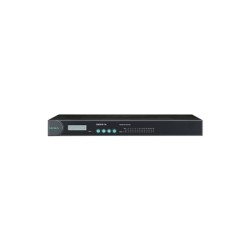
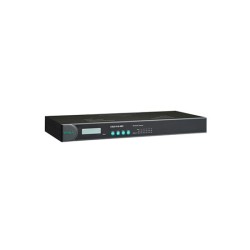
MOXA NPort 5210A-T Serial to Ethernet Device Server

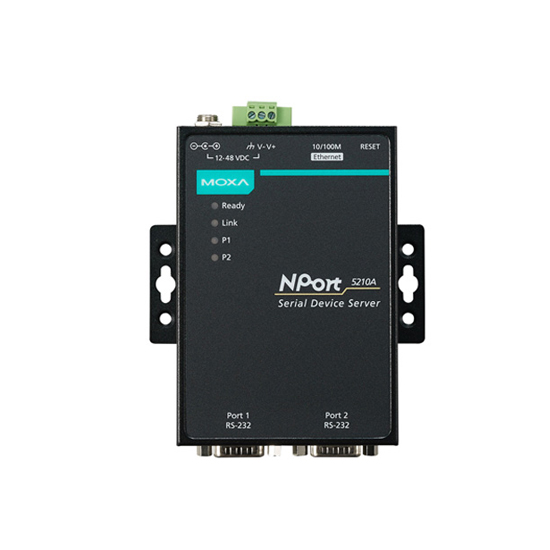
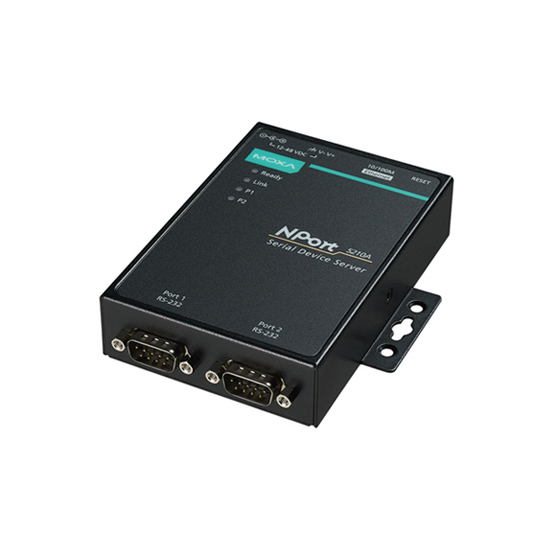


Moxa NPort 5210A-T: RS-232 Connectivity for Environments Standard Hardware Can't Handle
A pair of RS-232 devices sitting in an unheated panel somewhere on a factory floor doesn't care that the rest of the plant has moved to Ethernet. They still need a way to report in, and most standard device servers aren't rated to survive the temperature swings common in oil and gas sites, water and wastewater plants, power utilities, and outdoor transportation cabinets. The NPort 5210A-T exists specifically for that situation: a 2-port RS-232 serial device server built to keep working from -40 to 75°C, not just in a climate-controlled cabinet.
This is why factory automation engineers reach for the "-T" variant specifically rather than the standard NPort 5210A. The core function is identical, converting RS-232 signals to Ethernet, but the 5210A-T is the one you specify when the installation site can't guarantee a stable indoor temperature.
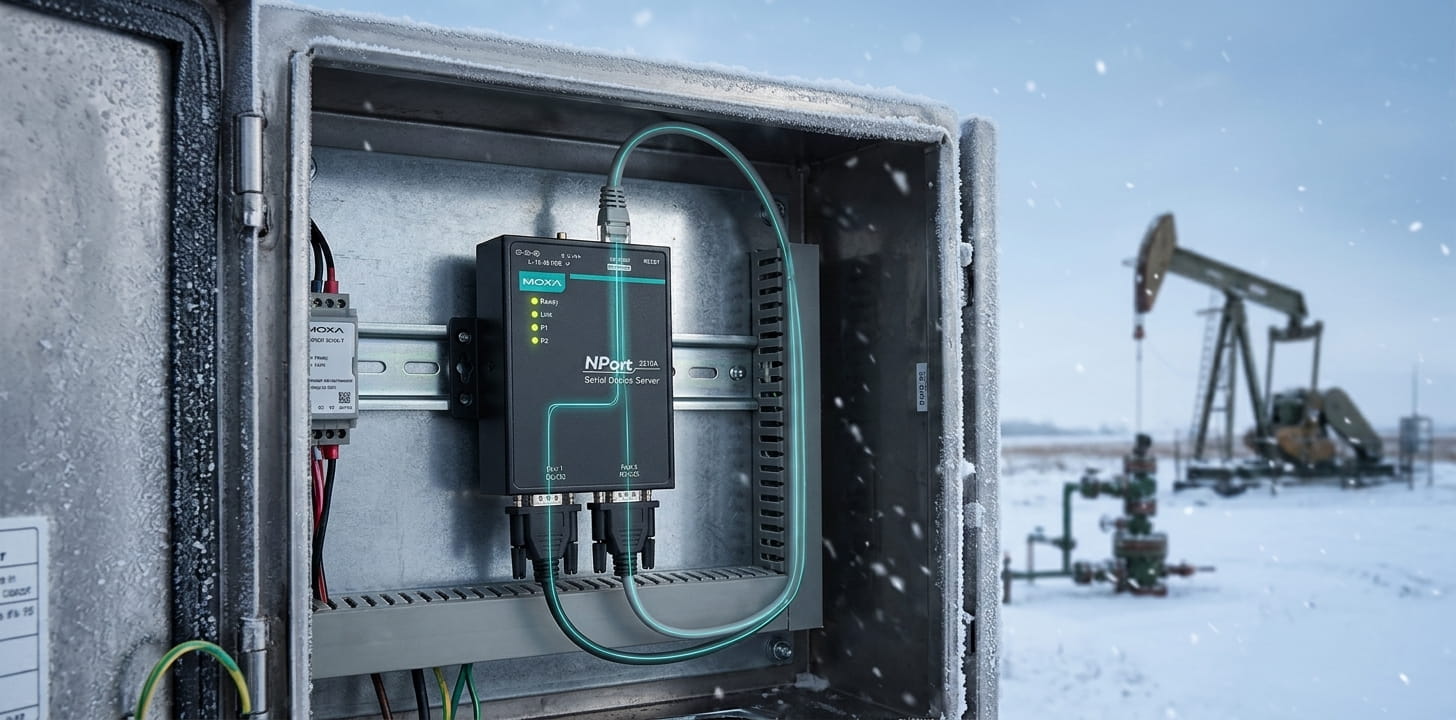
Built for RS-232 Connectivity Under Rougher Conditions
At its core, this is a 2-port RS-232 serial device server, nothing more exotic than that. Two RS-232 ports connect through DB9 connectors, while a single 10/100BaseT(X) Ethernet port carries that data onto the network, with 1.5 kV isolation built in against electrical noise.
Dual 12–48 VDC power inputs mean one supply can fail without taking the unit down, which matters here specifically, since -40 to 75°C installations tend to land in exactly the kind of sites where power isn't guaranteed to be stable either. Surge protection covers serial, Ethernet, and power alike, tested against IEC 61000-4-5, and mounting stays flexible across DIN-rail, wall, or desktop setups.
Setup itself is quick: the 3-step web-based configuration handles the essentials in a few minutes, and Ethernet cascading lets multiple units share one network connection when a facility deploys several across a larger site.
How the NPort 5210A-T Talks to Your Software
Which operation mode actually matters depends entirely on what's on the other end. Real COM is the common choice when existing Windows software expects a physical serial port. TCP Server or Client suits applications built around direct socket connections. Pair Connection is worth knowing about specifically because it links two remote serial devices over Ethernet, useful when a facility needs to bridge two RS-232 devices across a distance no cable could reasonably cover.
Setting Up the NPort 5210A-T: Installation and Configuration Guide
Getting this unit from the box to a working part of the network follows a fairly standard sequence:
1. Wire the power supply.
Connect 12 to 48 VDC to the terminal block. Since the unit has two power inputs, wiring both to live sources gives automatic failover if one drops, worth doing on any "-T" model installed somewhere power isn't guaranteed to be stable.
2. Find the unit on the network.
The NPort 5210A-T ships with a default static IP address of 192.168.127.254 and a netmask of 255.255.255.0. Rather than guessing, use Moxa's NPort Search Utility or NPort Administrator on a Windows PC to locate it automatically.
3. Log in with the default credentials.
Open the web console and log in with admin as the username and moxa as the password. Change this immediately, particularly before the unit goes into full production use.
4. Configure network and serial settings.
Assign a permanent IP address, then set the serial port operation mode, Real COM, TCP Server, TCP Client, or another mode depending on your application. If your IT team wants added visibility, SNMP and Telnet settings can be adjusted from the same console.
5. Install the matching driver.
Download the Windows Real COM or Linux Real TTY driver for this specific model from Moxa's support portal, so the device appears as a local serial port to existing software.
6. Update the firmware.
Pull the latest firmware release for the NPort 5210A-T from Moxa's support site and upload it through the web console. The unit restarts automatically once the update finishes.
Certifications and Compliance Standards
- UL / cUL: Confirms safety compliance under recognized North American standards
- FCC Part 15B Class A: Verifies electromagnetic compatibility for industrial use in North America
- EN 55032 / EN 55035: Confirms EMC compliance for European markets
- IEC 61000-4-2, -4-3, -4-4, -4-5, -4-6, -4-8, -4-11: Covers immunity testing against ESD, radiated interference, electrical fast transients, surges, conducted disturbances, and power-frequency magnetic fields
- RoHS / CRoHS / WEEE: Confirms compliance with restricted-substance and environmental regulations
Get the NPort 5210A-T for Your Facility
The Moxa NPort 5210A-T is available across Canada and North America, ready for facilities that need reliable RS-232 connectivity in conditions a standard device server can't handle. If you're not sure whether this is the right model for your setup, our team can confirm before you order.
Frequently Asked Questions About the NPort 5210A-T
1. What is the Moxa NPort 5210A-T?
It's a 2-port RS-232 serial device server rated for -40 to 75°C, built to connect RS-232 equipment to Ethernet networks in harsh or unconditioned environments.
2. What is the NPort 5210A-T used for?
It brings RS-232 devices onto an Ethernet network, mainly in factory automation settings where the installation site sees wider temperature swings than standard equipment can tolerate.
3. Does the NPort 5210A-T support RS-422 or RS-485?
No, this model is built exclusively for RS-232. If your equipment uses RS-422 or RS-485, the NPort 5230A or 5250A in the same series covers those standards instead.
4. What is the operating temperature of the NPort 5210A-T?
-40 to 75°C, the extended range that distinguishes the "-T" models from the standard NPort 5210A.
5. Can the NPort 5210A-T connect to PLC and SCADA systems?
Yes, Through its supported operation modesو particularly Real COM and TCP Server/Client, it can integrate with PLC and SCADA platforms that expect serial or TCP-based communication.