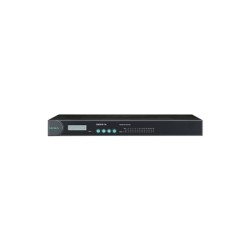
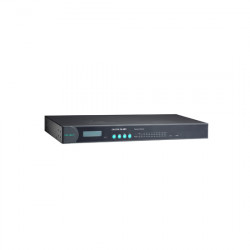
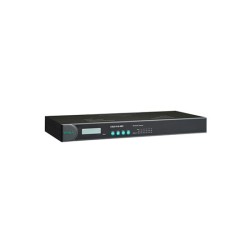
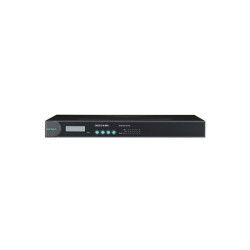
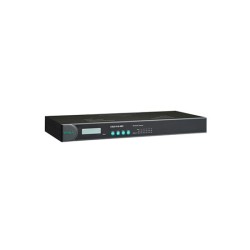
MOXA NPort 5430I Serial to Ethernet Device Server

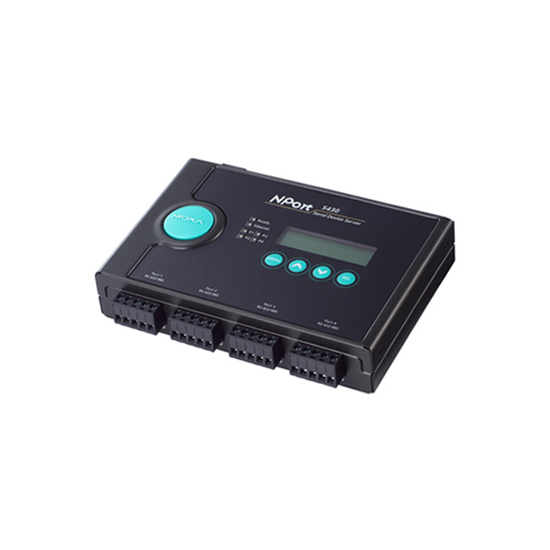


Moxa NPort 5430I: RS-422/485 to Ethernet for Electrically Noisy Environments
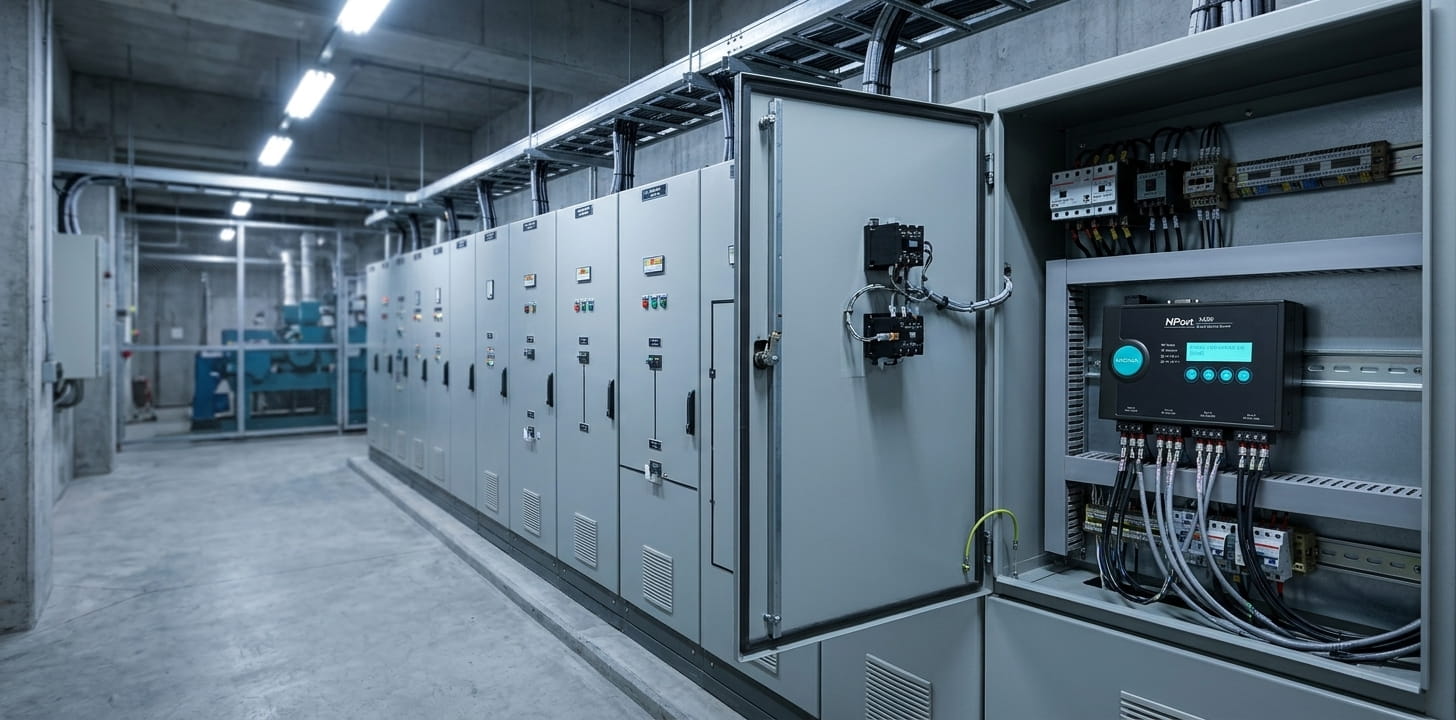
Some facilities can run a standard serial device server without issue. Others sit close enough to motors, drives, or switching equipment that electrical noise on the serial line becomes a real risk, not a hypothetical one. The NPort 5430I exists for that second case: a 4-port RS-422/485 device server with 2 kV serial port isolation built directly into the hardware, protecting connected equipment from surges that travel through the serial wiring itself.
This is the model facility teams reach for over the standard NPort 5430 specifically because of that isolation. Industrial automation and factory automation environments running multi-drop RS-485 networks near variable frequency drives, switching power supplies, or other sources of electrical interference tend to specify the "I" variant rather than risk a surge event taking out both the device server and whatever's connected to it.
What Sets the 5430I Apart: 2 kV Serial Port Isolation
At its core, this is still a 4-port RS-422/485 device server: four terminal-block ports handling RS-485 in either 2-wire or 4-wire configuration, or standard RS-422, connected through a single 10/100BaseT(X) Ethernet port. The difference that earns the "I" in its name is a 2 kV isolation barrier built directly into the serial hardware, the layer that separates this model from the standard NPort 5430.
Dual 12–48 VDC power inputs, a terminal block and a power jack, give the unit a backup power path if the primary source fails. For RS-485 wiring specifically, the NPort 5430I includes 120-ohm termination along with adjustable pull-high/pull-low resistors, set through DIP switches, and Automatic Data Direction Control (ADDC), which manages transmit/receive switching on the RS-485 line automatically rather than leaving it to the connected device.
The housing is metal, rated for 0 to 55°C, and each of the four serial ports runs its own independent operation mode. Mounting stays flexible across desktop, DIN-rail, or wall installation, matching the rest of the NPort 5400 Series.
Communication Protocols and Network Modes on the NPort 5430I
Beyond the isolated serial ports, the NPort 5430I runs the same underlying software stack found across the series.
As an RS-422/485 to Ethernet converter, the practical value shows up most clearly in Modbus RTU applications, where TCP Server or Real COM mode lets serial-based Modbus devices communicate with a modern SCADA platform without anyone touching the original wiring.
Fast Setup: Getting the NPort 5430I Online
The NPort 5430I ships with the same default static IP used across the NPort 5400 Series: 192.168.127.254, with a netmask of 255.255.255.0. Since this model includes the LCD panel, that IP address is visible directly on the front display the moment the unit powers on.
Logging in uses the default account admin and password moxa. That password should be changed as part of the initial setup, particularly given that isolation-equipped units like this one are often deployed in facilities where electrical safety and access control both matter. Configuration runs through the Telnet console, a Windows configuration utility, or the web console over HTTP or HTTPS, whichever fits your existing network management workflow.
The matching driver, Windows Real COM or Linux Real TTY, is available through Moxa's official support site, letting each serial port appear as a local port to existing software. Firmware updates follow the standard process: download the current release, upload it through the web console, and the unit restarts automatically once applied. The NPort 5430I user manual and quick installation guide cover this in more detail, and the NPort 5430I datasheet has the full spec sheet for side-by-side comparison against other models.
Certifications and Compliance Standards for the NPort 5430I
- UL 62368-1: Confirms safety compliance under recognized industrial standards
- FCC Part 15B Class A / CISPR 32: Verifies electromagnetic compatibility for industrial use
- EN 55032 / EN 55035: Confirms EMC compliance for European markets
- IEC 61000-4-2 (ESD), -4-3 (RS), -4-4 (EFT), -4-5 (Surge), -4-6 (CS), -4-8, -4-11: Covers immunity testing against electrostatic discharge, radiated and conducted interference, surges, and power-frequency disturbances
- DNV: Confirms suitability for maritime applications
Get the NPort 5430I for Your Industrial Network
With several models in the NPort 5400 Series, sorting out isolated versus non-isolated, or RS-422/485 versus full RS-232/422/485 support, isn't always straightforward from a spec sheet alone. If you're not sure whether the NPort 5430I is the right fit compared to the standard NPort 5430 or another model in the series, our team is glad to walk through it with you.
If you'd rather work through it yourself first, the NPort 5430I user manual, quick installation guide, and datasheet cover configuration, wiring, and full specifications in detail, useful references whether you're confirming compatibility before ordering or setting up a unit that's already on-site.
Frequently Asked Questions About the Moxa NPort 5430I
1. Does the NPort 5430I support RS-422 and RS-485?
Yes, including both 2-wire and 4-wire RS-485 configurations.
2. How does the NPort 5430I provide serial port isolation?
Through a built-in 2 kV isolation barrier on the serial interface, which protects connected equipment and the unit itself from electrical surges traveling through the serial line.
3. What is the NPort 5430I used for?
Connecting RS-422 or RS-485 industrial equipment to Ethernet networks, particularly in environments with electrical noise from nearby motors or switching equipment.
4. What is the difference between the NPort 5430I and the NPort 5430?
The 5430I adds 2 kV serial port isolation that the standard 5430 doesn't have. Otherwise, the core RS-422/485 connectivity and port count are the same.