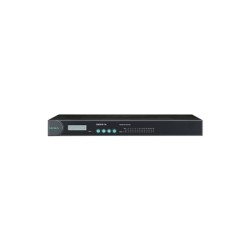
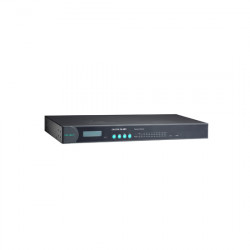
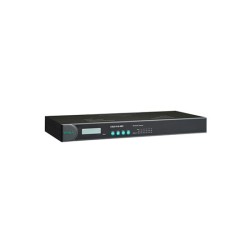
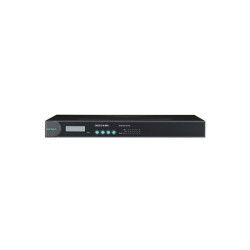
MOXA NPort IA5250A Serial to Ethernet Device Server

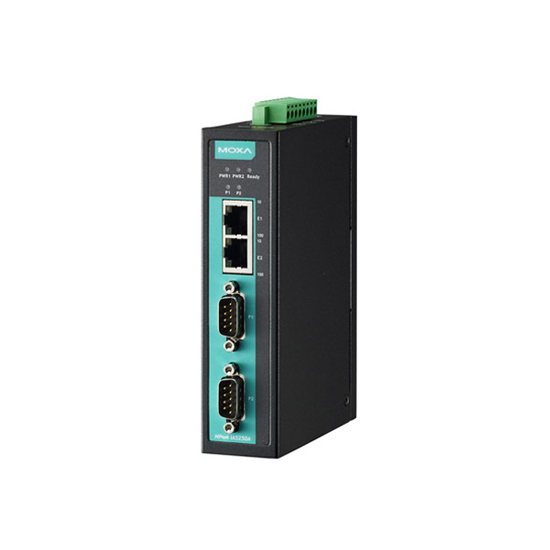


The Moxa NPort IA5250A Connects Industrial Serial Equipment to Ethernet Networks
The NPort IA5250A is a two-port industrial serial device server that connects RS-232, RS-422, and RS-485 equipment to Ethernet networks. It is designed for applications where legacy serial devices need reliable access to TCP/IP networks without replacing existing field equipment. This makes it suitable for factory automation, industrial control, machine automation, process automation, power automation, and oil and gas applications.
As part of the Moxa NPort IA5000A Series, the Moxa NPort IA5250A serial to Ethernet device server provides a practical way to extend serial connectivity across an industrial network. Its two serial ports and dual Ethernet ports are useful when multiple devices must share network infrastructure while maintaining straightforward field installation.
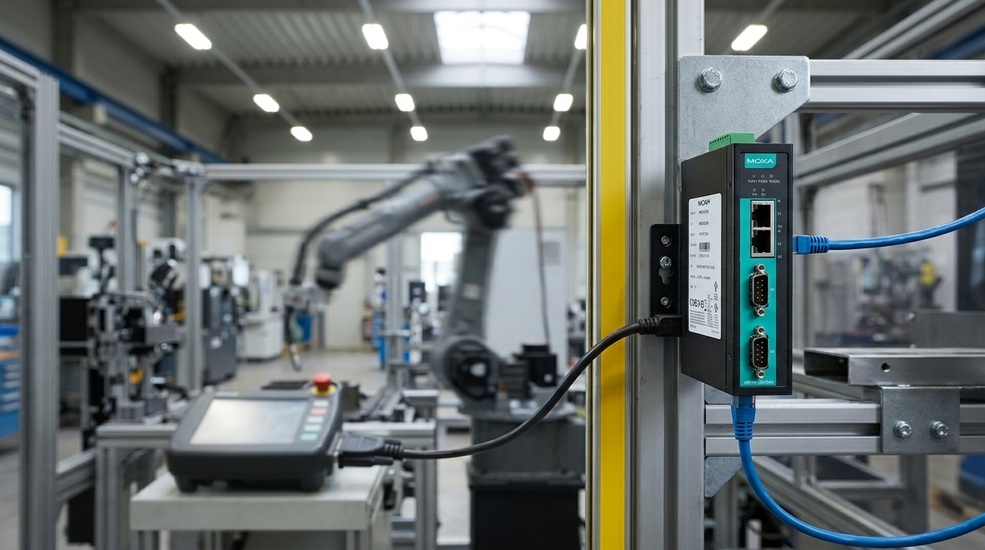
NPort IA5250A Serial Interface and Networking Capabilities
The NPort IA5250A Serial Interface supports RS-232, RS-422, and RS-485 with baudrates from 50 bps to 921.6 kbps. RTS/CTS and XON/XOFF flow control help accommodate different serial communication requirements.
On the network side, the NPort IA5250A Ethernet Interface supports TCP/IP networking and several operating modes, including Real COM, TCP Server, TCP Client, UDP, RFC 2217, Reverse Telnet, Pair Connection, and Ethernet Modem. These modes let engineers select the communication method according to the application rather than redesigning the serial equipment.
Software, Security, and Reliability Behind the IA5250A
Beyond the ports, power, and mounting details already listed on the product page, the IA5250A brings a set of software, security, and reliability capabilities that shape day-to-day use:
Certifications Behind the MGate MB3170
Bringing the IA5250A online and making it part of the network follows the same practical process used across Moxa’s NPort IA5000A Series.
1. Wire the power supply
Connect 12 to 48 VDC to the terminal block. The IA5250A has two power inputs, so wiring both to live sources provides redundant power. If one supply fails, the other keeps the unit running.
2. Connect to the network.
Use standard Ethernet cables to connect the two 10/100BaseT(X) ports to your industrial network or switch. The dual Ethernet ports support cascading, which helps when the device needs to be part of a daisy-chain or line topology.
3. Locate the IA5250A on the network.
The device ships with a static default IP address of 192.168.127.254 (netmask 255.255.255.0). Use Moxa’s NPort Administrator or NPort Search Utility on a Windows PC to find the IA5250A on the local network instead of manually entering the default address.
4. Log in with the default credentials.
Open the embedded web console and log in with Moxa as the default administrator password. Change this immediately, especially for units used in industrial or security-sensitive environments.
5. Configure network and serial settings.
From the web console, assign a permanent IP address and configure each serial port with the required parameters and operating mode, including Real COM, TCP Server, TCP Client, UDP, RFC 2217, Reverse Telnet, Pair Connection, or Ethernet Modem. You can also enable SNMP, HTTPS, Telnet, and other management options as needed.
6. Install the matching driver.
Download the Windows Real COM or Linux Real TTY driver for the exact IA5250A model from Moxa’s official support portal. Installing the correct driver allows the IA5250A to appear as local COM ports in existing applications.
7. Keep firmware current.
Download the latest firmware release for the IA5250A from Moxa’s support site. Upload it through the web console’s firmware upgrade screen. The device restarts automatically once the update is complete. Keeping firmware up to date helps maintain compatibility, performance, and security.
Important: Plan and document IP addressing, cabling, and serial settings before deployment. This reduces on-site troubleshooting and helps keep new installations consistent with existing standards.
Certifications for Industrial and Hazardous Locations
- UL/cUL Class I Division 2: Supports use in specified hazardous-location environments.
- ATEX Zone 2: Applicable to equipment installations in designated European hazardous areas.
- IECEx: Recognized international certification for use in hazardous locations outside Europe and North America.
- EN 55032/35: Addresses electromagnetic compatibility requirements.
- FCC Part 15B Class A: Covers electromagnetic emissions for industrial environments.
- IEC 61000-4-2/-3/-4/-5/-6/-8/-11: Evaluates immunity against ESD, radiated fields, electrical fast transients, surges, conducted disturbances, magnetic fields, and voltage variations.
- UL 508: Relates to industrial control equipment safety.
- RoHS / CRoHS / WEEE: Addresses hazardous-substance restrictions and electronic equipment environmental requirements.
Get a Quote for NPort IA5250A
Need an NPort IA5250A distributor in Canada for your automation project? The NPort IA5250A is available for industrial applications across Canada and North America. If you are comparing serial device servers or need help selecting the right NPort model, speak with an expert before ordering.
Moxa NPort IA5250A Most Frequently Asked Questions
1. What is Moxa NPort IA5250A?
It is a two-port industrial serial device server for connecting RS-232/422/485 equipment to Ethernet networks.
2. What is NPort IA5250A used for?
It provides network connectivity for legacy serial equipment in industrial automation and control systems.
3. How does NPort IA5250A connect serial devices to Ethernet?
It converts serial communication into network-based communication using configurable operating modes.
4. Does NPort IA5250A support RS-232, RS-422, and RS-485?
Yes. Both serial ports support all three standards.
5. How do I configure NPort IA5250A?
Configuration can be performed through Moxa's supported configuration tools and management interfaces. The Quick Installation Guide provides installation guidance.
6. Does NPort IA5250A support dual Ethernet ports?
Yes. It has two 10/100BaseT(X) Ethernet ports with cascading capability.
7. Does NPort IA5250A support redundant power?
Yes. It provides two 12 to 48 VDC power inputs.
8. What is the baudrate range of NPort IA5250A?
It supports standard baudrates from 50 bps to 921.6 kbps.
9. What is the operating temperature of NPort IA5250A?
The standard NPort IA5250A operates from 0 to 60°C. A wide-temperature variant, the NPort IA5250A-T, extends that to -40 to 75°C.
10. What is the difference between NPort IA5250A and IA5250AI?
The IA5250AI adds 2 kV serial isolation, while the standard IA5250A does not provide serial isolation. Both models have two serial ports.